Practise with camera guidance.
Camera guidance runs in modern mobile and desktop browsers. Set your device on a stable support, check your framing, or browse the point library anytime.
View walkthrough ↓ MarmaAI
A focused first look
Preview a 60-second General Stress hand-point practice. Explore the steps first, then sign in when you are ready to practise. Camera access comes after your setup choices.Preview how to locate a point, follow a hold, and review what the camera observed. Set your device on a stable surface with good lighting for camera tracking.
Preview this practice ↗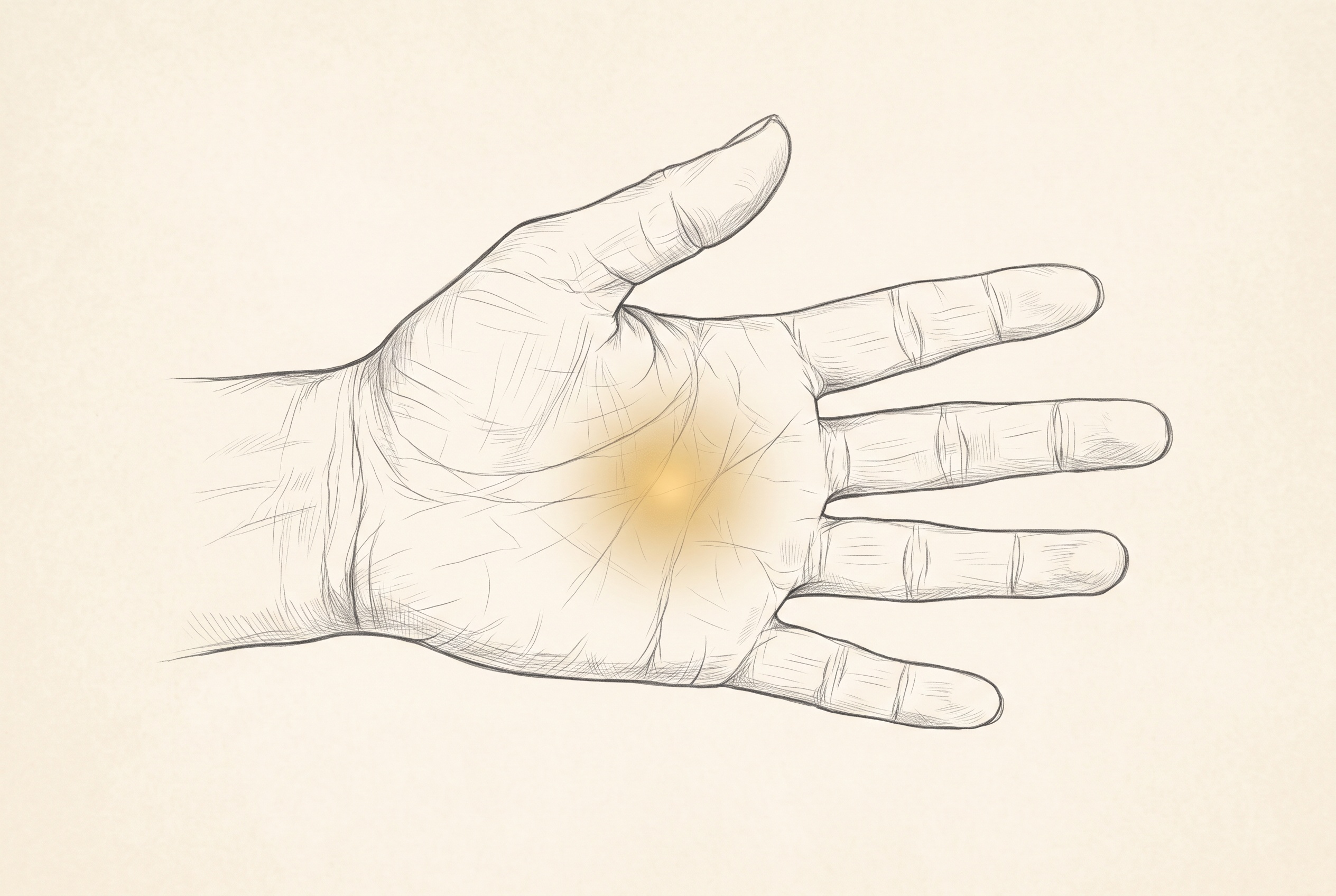 ILLUSTRATION · NOT A LIVE CAMERA VIEW
Camera guidance runs in modern mobile and desktop browsers. Set your device on a stable support, check your framing, or browse the point library anytime.
View walkthrough ↓The camera estimates position and timing. Touch, pressure and symptom relief are different information; only you can report the last one.
See record format ↗Illustrated walkthrough
Find a hand point with the live camera overlay.
Follow the hold. Guidance pauses if the hand is no longer observed.
Review the observed session and add your own relief rating separately.